GridCars: How to Charge Your EV Across South Africa
By EV Cost Calculator Team · Published · Last updated
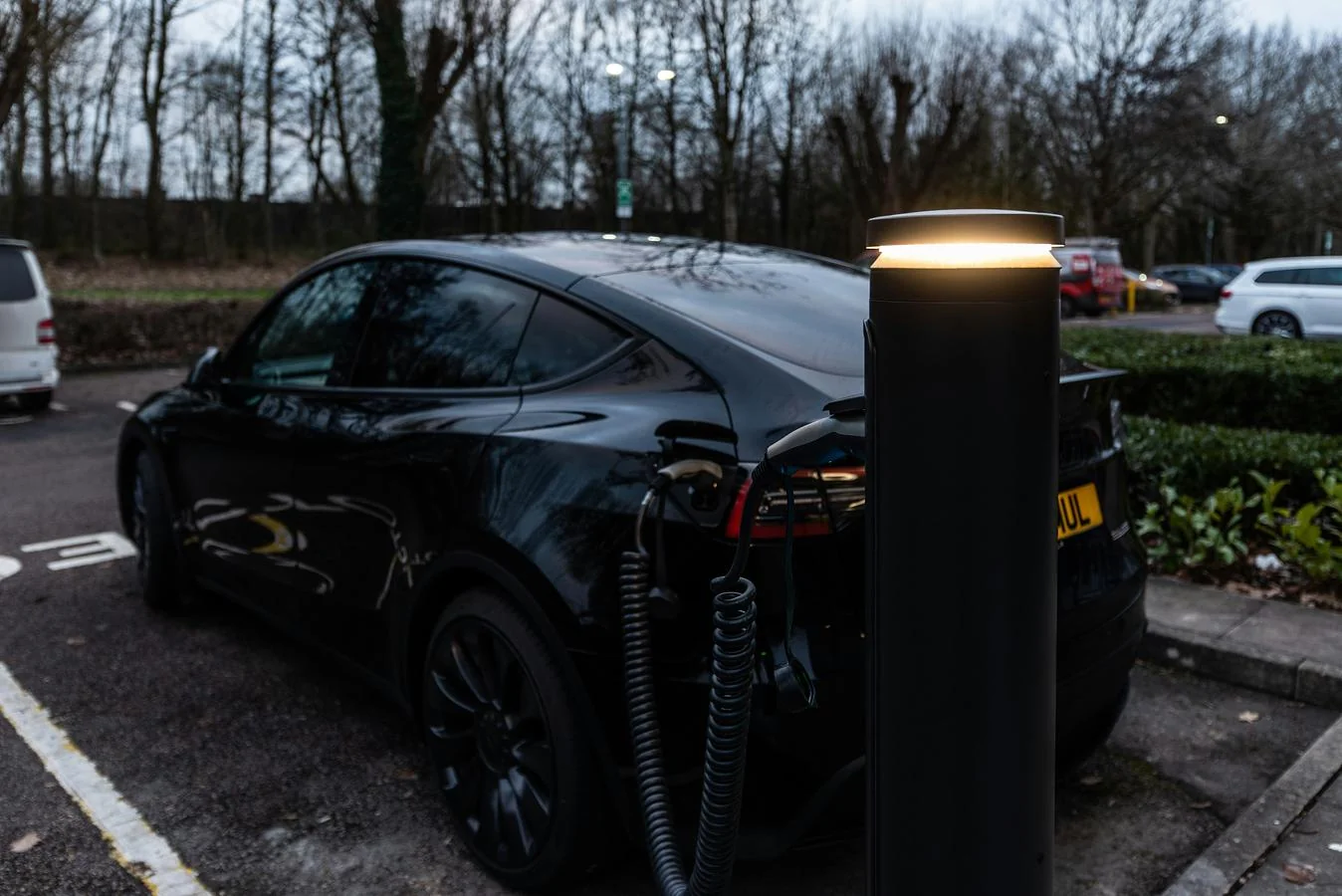
How GridCars Powers Electric Vehicle Charging Across South Africa
GridCars operates South Africa's largest EV charging network, with over 350 public connectors stretching from Gauteng to the Western Cape. The network runs on a simple model: find a charger through the Charge Pocket app, plug in, and pay per kilowatt-hour with no subscription required.
This guide covers how the network actually works-charger types and locations, the step-by-step process for your first session, costs compared to home charging, and how GridCars fits alongside other networks like Audi Charge and BMW ChargeNow.
What is GridCars
GridCars runs South Africa's largest electric vehicle charging network, with over 350 public AC and DC charging connectors spread across the country. The network operates through a smartphone app called Charge Pocket, which handles three things: finding chargers, starting a session, and paying for the electricity you use. Stations sit along major highways and in urban centres, so routes like Johannesburg to Cape Town become practical for EV drivers who plan their stops in advance.
The company partners with property owners, fuel stations, and retailers to install charging hardware. Rather than building standalone facilities, GridCars places chargers where people already go-shopping centres, hotels, and highway service stations. This approach means you can charge while running errands or grabbing lunch, rather than making a dedicated trip to a charging station.
Who owns GridCars
Alviva Holdings, a JSE-listed technology group, owns GridCars. The company launched in 2009, which was actually several years before the first commercial EVs arrived in South Africa. That early start gave GridCars time to build infrastructure before demand picked up.
How the GridCars network operates
Three layers work together to make the network function: physical charging stations, the Charge Pocket app for drivers, and backend support for troubleshooting. When you pull up to a charger, you can authenticate, charge, and pay without handling cash or talking to anyone on site.
Charging station infrastructure
GridCars handles the technical side of each installation, from equipment procurement to ongoing maintenance. The property owner-whether a mall, hotel, or fuel station-provides the location and electricity connection, while GridCars manages everything else including customer billing.
Many stations have backup power solutions for load shedding, though availability varies by site. The Charge Pocket app shows real-time status, so you can check whether a specific charger is operational before driving there.
The Charge Pocket app
Charge Pocket is the central tool for using any GridCars charger. Once you download it and add a payment method, you can access the entire network across all nine provinces.
The app handles several functions:
- Real-time availability: Check which chargers are free before you leave home
- Navigation: Get directions to your nearest station directly from the map
- Session tracking: Watch your charging progress, kWh delivered, and running cost update live
- Charger details: See connector types and power output for each station
You can also filter the map by charger type if you specifically want DC fast charging for a quick top-up.
Customer support
GridCars offers 24/7 support through the Charge Pocket app. If a charger malfunctions mid-session or you have a billing question, you can reach the support team directly without hunting for a separate phone number. The app also lets you report faulty equipment, which helps GridCars dispatch maintenance faster.
Types of chargers on the GridCars network
Charging speed depends entirely on the type of charger you use. GridCars operates both AC and DC chargers, and knowing the difference helps you plan stops more effectively-especially on longer trips.
AC destination chargers
AC chargers deliver power more slowly than their DC counterparts. A typical AC charger adds roughly 30 to 50 kilometres of range per hour of charging, which works well when you're parked for a few hours anyway.
You'll find AC chargers at locations where people spend time: shopping centres, restaurants, office parks, and guesthouses. If you're having a two-hour lunch or doing grocery shopping, an AC charger can add meaningful range without changing your schedule. The slower speed also tends to be gentler on your battery over the long term.
DC fast chargers
DC fast chargers push power directly to your battery at much higher rates. A typical DC session can take your battery from 20% to 80% in 15 to 40 minutes, depending on your vehicle's maximum charge rate and the charger's output.
GridCars positions DC chargers along highways and at strategic points for long-distance travel. When you're driving from Johannesburg to Durban, for instance, a 20-minute DC stop can give you enough range to complete the journey. The trade-off is that DC charging typically costs more per kWh than AC charging.
Connector types and EV compatibility
Most EVs sold in South Africa use standardised connectors, and GridCars stations support the common types:
- CCS Type 2: The most common connector for new EVs in South Africa, handling both AC and DC charging through a single port
- Type 2: Standard AC connector found on most European-market vehicles
- CHAdeMO: An older DC standard that's less common on newer models but still supported at some stations
Before your first public charging session, check which connector your vehicle uses. Your owner's manual lists this information, or you can find it on the manufacturer's website.
Where to find GridCars stations in South Africa
GridCars has built coverage across all nine provinces, though station density varies by region. The network prioritises high-traffic areas and major travel corridors where EV drivers actually travel.
Gauteng and major urban areas
Gauteng has the highest concentration of stations, which makes sense given the province's population density and relatively higher EV adoption. Johannesburg, Pretoria, and surrounding areas offer multiple charging options for daily driving. If you live in Gauteng and drive an EV, you're rarely more than a few kilometres from a GridCars charger.
Western Cape and coastal routes
Cape Town and the Garden Route corridor have strong coverage for both residents and tourists. Stations along the N2 support travel between Cape Town and the Eastern Cape, making coastal road trips practical for EV drivers.
The Western Cape also benefits from relatively stable electricity supply compared to some other provinces, which improves charger reliability.
National highway coverage
Strategic placement along the N1, N2, and N3 highways enables intercity travel between major centres. GridCars has specifically targeted small towns along these routes to fill gaps that would otherwise limit long-distance EV travel.
Tip: GridCars stations now appear directly in Google Maps with live status updates. You can use either the Charge Pocket app or Google Maps to check availability before starting a long trip.
GridCars charging costs and payment methods
Public charging costs more per kilometre than home charging, but the convenience and speed often make sense for travel and top-ups away from home. Understanding the cost structure helps you budget for trips and decide when public charging makes sense versus waiting until you get home.
Cost per kWh at public chargers
GridCars charges per kilowatt-hour (kWh), which is the unit measuring how much energy flows into your battery. Think of it like litres at a petrol pump-you pay for what you use.
DC fast charging typically costs more per kWh than AC charging because the equipment is more expensive to install and operate. The Charge Pocket app shows the exact rate before you start a session, so there are no surprises when the bill arrives.
Public charging vs home charging costs
Home charging using Eskom tariffs averages around R3/kWh depending on your province, while public DC charging runs higher. However, public chargers offer speed that home charging simply cannot match. A 15-minute DC session can deliver what would take several hours on a home wall box.
For daily driving, home charging typically covers most of your needs at lower cost. Public charging fills the gap for road trips and situations where you cannot charge at home-visiting friends, staying at hotels, or topping up during a long shopping trip.
Payment options
GridCars uses cashless payment through the Charge Pocket app. There's no need to carry a specific card or sign up for a subscription.
- In-app payment: Link a credit or debit card to your account for automatic billing when each session ends
- Pay-as-you-go: No subscription or membership fee required-you pay only for the electricity you use
How to use the Charge Pocket app
Getting started with Charge Pocket takes a few minutes. Once you've set up your account, you can use any GridCars station across the country without additional registration.
1. Download and register
Download Charge Pocket from the App Store or Google Play. Create an account with your email address, then add a payment method. The app walks you through each step with clear prompts.
2. Find an available charger
The map interface shows all GridCars stations with real-time status. Green indicators mean available, while occupied or offline chargers display differently. You can filter by charger type if you specifically want DC fast charging, or search by location if you're planning a trip to an unfamiliar area.
3. Start and monitor your session
At the station, open the app and select the charger you're using. Scan the QR code on the charger or tap to start remotely. The app then shows live updates: kWh delivered, estimated time remaining, and running cost. You can walk away and check progress from anywhere.
4. Complete payment
When you stop the session-either manually or when your battery reaches your target level-the app automatically charges your linked payment method. You'll receive a receipt by email within minutes.
How to charge your EV at a GridCars station
The physical process is straightforward once you've used the app to find and select a station. Here's what happens when you arrive.
1. Locate and park at the charger
Follow the app's navigation to the station. Park in the designated EV charging bay, which is usually marked with signage or painted symbols on the ground. Some locations have multiple bays, so check the charger number matches what you selected in the app.
2. Connect your vehicle
Open your vehicle's charge port and connect the charger cable. DC chargers typically have tethered cables attached to the unit, so you just grab the connector and plug in. Some AC chargers require you to use your own Type 2 cable, which usually comes with your vehicle.
3. Authenticate and start charging
Use the Charge Pocket app to authorise the session. The charger confirms the connection before power begins flowing-you'll see a status change both on the charger display and in the app. If the connection fails, the app will prompt you to check the cable is properly seated.
4. Monitor and unplug
Track your session in the app while you grab coffee or run errands. When finished, stop the session in the app, unplug the connector, and return it to the holster. Some chargers lock the cable during charging for security-the app releases the lock when you end the session.
How GridCars compares to other charging networks in South Africa
Several charging networks operate in South Africa, though GridCars has the largest footprint by station count. Other networks include Audi Charge, BMW ChargeNow, and Mercedes me Charge, each with their own apps and station locations.
| Feature | GridCars | Audi Charge | BMW ChargeNow | Mercedes me Charge |
|---|---|---|---|---|
| Open to all EV brands | Yes | Yes | Yes | Yes |
| Dedicated app | Charge Pocket | myAudi | BMW App | Mercedes me |
| Station coverage | Nationwide | Select locations | Select locations | Select locations |
| Roaming access | Yes | Limited | Limited | Limited |
GridCars vs Audi Charge
Audi Charge stations accept all EV brands, not just Audis. However, the network is smaller and concentrated in specific areas, primarily around Audi dealerships and partner locations. GridCars offers broader geographic coverage, particularly along highways and in smaller towns.
GridCars vs BMW ChargeNow
BMW ChargeNow integrates with GridCars through roaming agreements. This means BMW drivers can access GridCars stations through their BMW app, though using Charge Pocket directly sometimes offers a smoother experience with more detailed station information.
GridCars vs Mercedes me Charge
Similar roaming arrangements exist for Mercedes drivers. The Mercedes me app can access GridCars infrastructure, giving Mercedes EV owners access to the full GridCars network without downloading a separate app. However, Charge Pocket provides more granular control over session settings.
Estimate your charging costs and find stations near you
Planning a trip or comparing EV running costs to your current petrol vehicle? The EV Charging Costs Calculator lets you estimate session costs based on your province's electricity tariff and your specific EV model. Select your vehicle, set your charge range (say, 20% to 80%), and see what a typical charge costs in rands.
The EV Charging Station Map shows GridCars stations alongside other networks, with filtering by provider. You can use it for route planning or checking what's available in your area before committing to a trip.
FAQs about GridCars in South Africa
Can I use GridCars if I drive a Tesla?
Yes. Tesla vehicles with CCS adapters or newer models with native CCS ports can use GridCars DC fast chargers. Type 2 AC chargers also work with Teslas using the standard Type 2 connector that comes with the vehicle.
What is the 80 20 rule for charging electric cars?
The 80/20 guideline suggests charging from around 20% to 80% battery capacity for everyday use. Charging speed slows significantly above 80% as the battery management system protects the cells, and staying within this range can help preserve battery health over time.
Do I need a subscription to use GridCars?
No. GridCars operates on a pay-as-you-go basis through the Charge Pocket app. There's no mandatory subscription, membership fee, or minimum spend.
What happens if a GridCars charger is out of service?
Report the issue through the Charge Pocket app's support feature, which is available 24/7. The app's map shows alternative nearby stations so you can find another option quickly rather than waiting for repairs.
Can I use GridCars stations without downloading the Charge Pocket app?
The Charge Pocket app is required to authenticate, start sessions, and process payment at GridCars stations. Some OEM apps like BMW, Mercedes, and Audi can access GridCars through roaming agreements, but direct use of the network requires Charge Pocket.